
The computer is slow, freezing or restarting unexpectedly
PC / Micro Com Teck service
Computer support
Get clear, patient help with the computers your home or business depends on.
Focused support
Diagnose the cause. Stabilize the device. Explain the fix.
Computer problems are rarely just one thing. Performance, storage, software, updates, security and hardware condition can overlap. We review the symptoms and recent changes before recommending the safest practical path.
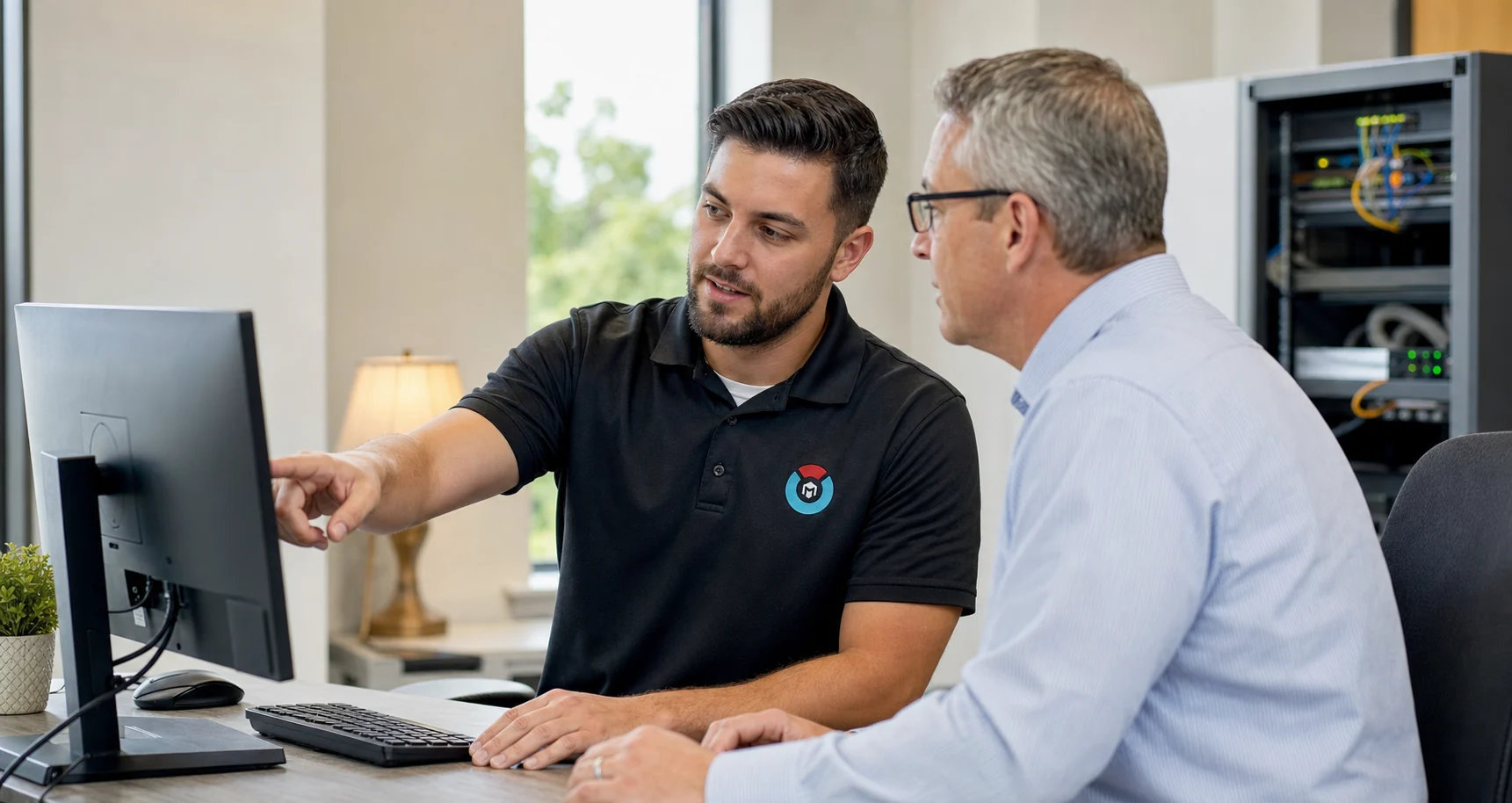 PC / Computer support
When to reach out
Common signs that it is time for support.
Choose the closest description when submitting a request. You do not need to diagnose the cause yourself.
Applications will not open, update or behave normally
A new computer needs secure setup and data-transfer guidance
Pop-ups, redirects or unfamiliar programs have appeared
Storage is full or important files are difficult to locate
Updates, backups or connected devices are failing
Service scope
What this service can include.
The exact scope depends on the device, environment and issue. We confirm the appropriate work before paid service begins.
- Performance and startup diagnosis
- Software installation and configuration
- Operating-system and update support
- New-computer setup and migration planning
- Malware and unwanted-software assessment
- Storage, backup and recovery guidance
- Peripheral and display troubleshooting
- Plain-language resolution summary
How support works
A deliberate path from symptoms to next steps.
We use the same clear operating rhythm while adapting the technical work to the service.
Understand the symptoms
We identify what changed, which tasks are affected and whether data or account security may be at risk.
Isolate the cause
We review software, storage, updates, connected devices and hardware indicators instead of treating only the visible symptom.
Resolve and document
We complete the agreed work, verify normal use where possible and explain what changed and what to watch next.
Before you submit
Helpful details to have ready.
Good context reduces back-and-forth. Share only non-sensitive information through the website form.
- Computer brand and model, if available
- Windows or macOS version
- The exact error message or a screenshot
- When the problem began and what changed beforehand
- Whether a current backup exists
- Do not send passwords or recovery codes
Computer support FAQs
Useful answers before you request support.
Can computer problems be handled remotely?
Many software, configuration and performance issues can be reviewed remotely. Hardware failures, physical damage and some startup problems may require hands-on service.
Will my files be safe?
Any troubleshooting involving storage or operating-system changes carries some risk. We ask about backups and explain data-related considerations before agreed work begins.
Do you support both Windows and Mac computers?
Support availability depends on the exact device, operating-system version and issue. Include those details in the request so the scope can be confirmed.
Should I buy a replacement instead of repairing the computer?
We can help compare the device condition, age, performance needs and likely service effort so you can make an informed decision.
Start with the symptoms